git diff
Shows line by line what has changed: in the working directory, in the staging area or between two commits.
Syntax
git diff [OPTIONS] [COMMIT [COMMIT]] [-- PATH...]
Options
| Option | Description |
|---|---|
| (none) | Working directory compared with the staging area: changes not yet added |
--staged, --cached |
Staging area compared with the last commit: what the next commit contains |
HEAD |
All changes since the last commit, staged or not |
COMMIT1 COMMIT2 |
Differences between two commits, branches or tags |
--stat |
Only a summary per file |
--name-only |
Only the names of the changed files |
--word-diff |
Mark changed words instead of whole lines |
Examples
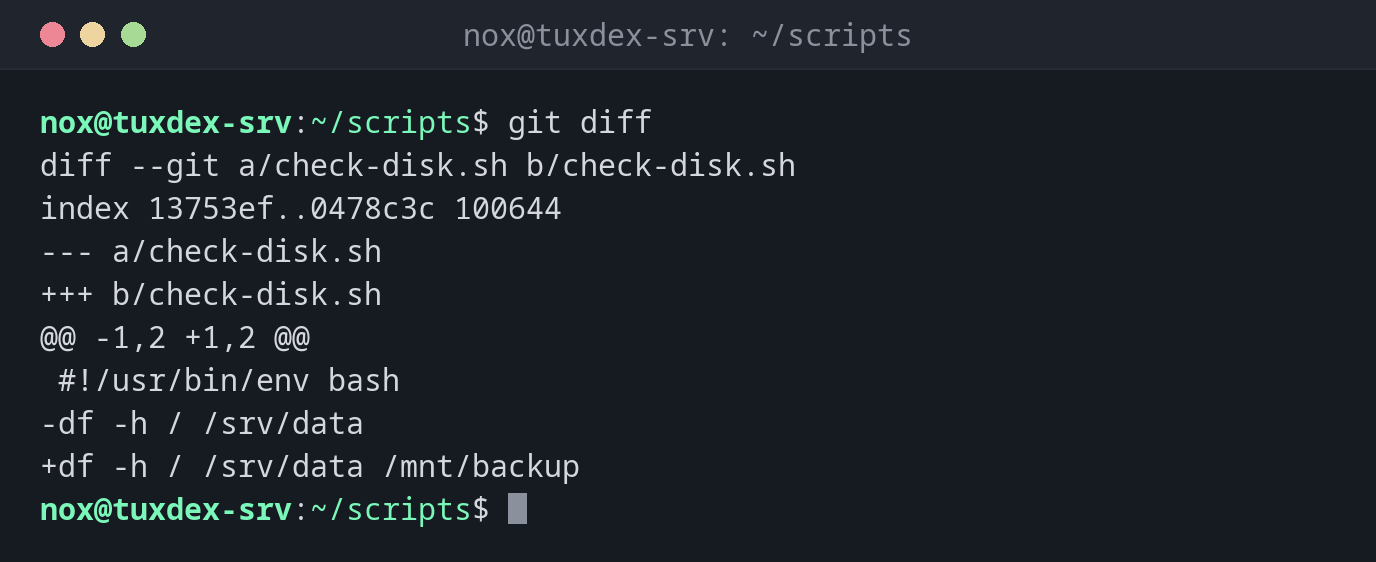
Show changes not yet added:
git diff
diff --git a/check-disk.sh b/check-disk.sh
index 13753ef..0478c3c 100644
--- a/check-disk.sh
+++ b/check-disk.sh
@@ -1,2 +1,2 @@
 #!/usr/bin/env bash
-df -h / /srv/data
+df -h / /srv/data /mnt/backup
Lines with - were removed, lines with + added. @@ -1,2 +1,2 @@ says which lines of the old and new version are shown.
What the next commit will contain:
git diff --staged --stat
 check-disk.sh | 2 +-
 1 file changed, 1 insertion(+), 1 deletion(-)
Changes since a version:
git diff v1.0 HEAD --stat
 backup.sh         | 2 +-
 check-disk.sh     | 2 +-
 check-services.sh | 2 ++
 rotate-logs.sh    | 2 ++
 4 files changed, 6 insertions(+), 2 deletions(-)
Only mark the changed words:
git diff --word-diff
diff --git a/check-disk.sh b/check-disk.sh
index f12cb8f..fe28cce 100644
--- a/check-disk.sh
+++ b/check-disk.sh
@@ -1,2 +1,2 @@
#!/usr/bin/env bash
df [--hT-]{+-h+} / /srv/data /mnt/backup /var
When do I need it?
- Before every commit, to check exactly what you changed
- To see what changed between the deployed version and the current one
- To find the one changed setting in a long configuration file
Empty after git add?
After git add, plain git diff shows nothing for that file, because the working
directory and the staging area are the same again. Use git diff --staged.
Related commands
git status · git add · git log · diff