kubectl exec
Runs a command in a container of a running pod, for example a shell.
Syntax
kubectl exec [-it] POD | TYPE/NAME [-c CONTAINER] -- COMMAND [ARG...]
Options
| Option | Description |
|---|---|
POD, deploy/NAME |
A pod, or a pod of this deployment |
-it |
Interactive with a terminal, needed for a shell |
-c CONTAINER |
Container in a pod with several containers |
-n NAMESPACE |
Namespace |
-- |
Everything after it is the command in the container |
Examples
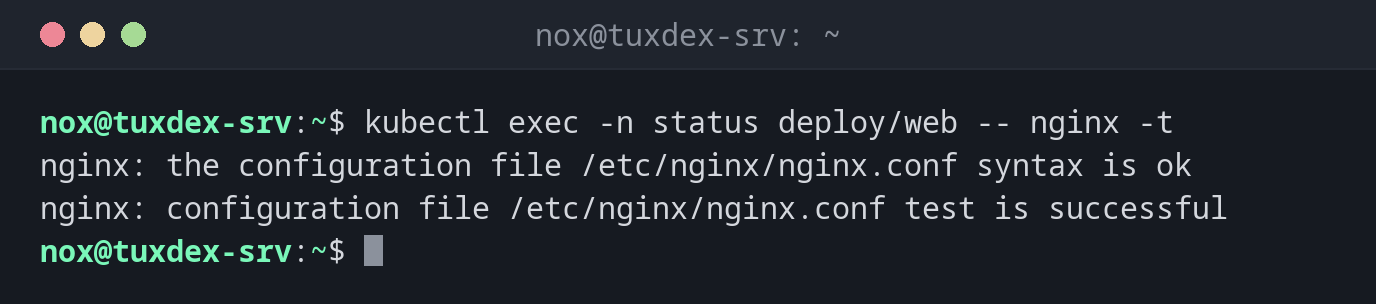
Test the nginx configuration:
kubectl exec -n status deploy/web -- nginx -t
nginx: the configuration file /etc/nginx/nginx.conf syntax is ok
nginx: configuration file /etc/nginx/nginx.conf test is successful
A shell in the pod:
kubectl exec -it -n status web-9bc5f7f5b-8ptw2 -- bash
root@web-9bc5f7f5b-8ptw2:/# hostname -i
10.42.0.9
root@web-9bc5f7f5b-8ptw2:/# exit
Check that the service resolves in the cluster:
kubectl exec -n status deploy/web -- getent hosts web.status.svc.cluster.local
10.43.196.168 web.status.svc.cluster.local
When do I need it?
- To look around in a pod when something doesn't work
- To test the configuration or the network from inside a pod
- To run maintenance commands, such as a database migration
No shell in the image?
Minimal images often have no shell at all. kubectl debug -it POD --image=busybox
--target=CONTAINER starts a helper container with tools in the same pod.
Changes are temporary
Whatever you change in a pod is lost as soon as the pod is replaced, which happens with every update. Lasting changes belong in the image or the manifest.
Related commands
kubectl logs · kubectl port-forward · kubectl describe · docker exec