killall
Sends a signal to all processes with exactly this name. Unlike
pkill, the name has to match completely.
Syntax
killall [-SIGNAL] [OPTION]... NAME...
Options
| Option | Description |
|---|---|
-SIGNAL |
Signal to send, default is TERM |
-v |
Report every process that was signalled |
-i |
Ask before every process |
-w |
Wait until all processes have ended |
-u USER |
Only processes of this user |
-o TIME, -y TIME |
Only processes older or younger than TIME, e.g. 2h |
Examples
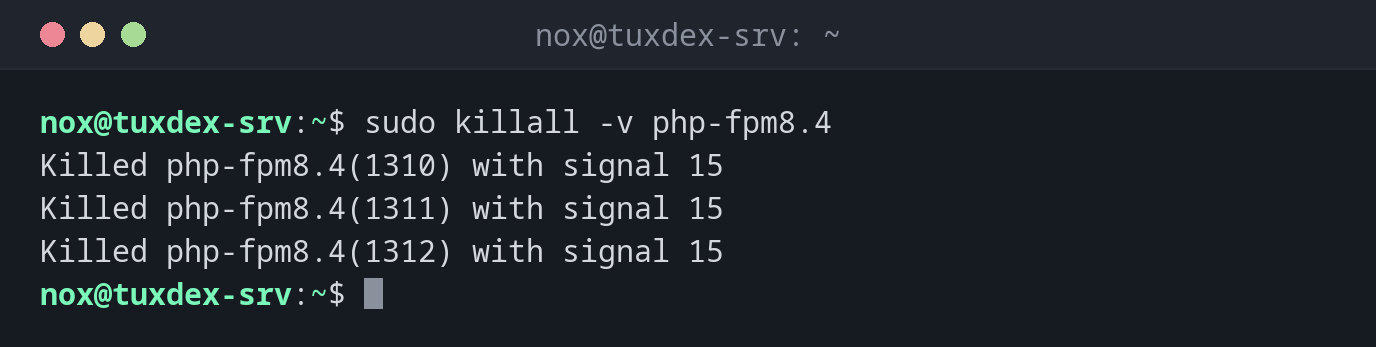
End all processes of a program and report them:
sudo killall -v php-fpm8.4
Killed php-fpm8.4(1310) with signal 15
Killed php-fpm8.4(1311) with signal 15
Killed php-fpm8.4(1312) with signal 15
Ask before each process:
killall -i backup.sh
Kill backup.sh(4410) ? (y/N) y
End a script and wait until it is really gone:
killall -w backup.sh && echo "stopped"
stopped
Only end processes that have been running for more than two hours:
killall -v -o 2h rsync
Killed rsync(4415) with signal 15
The name doesn't match:
killall php-fpm
php-fpm: no process found
The process is called php-fpm8.4, and killall only accepts the complete name.
When do I need it?
- To end all instances of a program, for example several hanging copies of a script
- In scripts with
-w, when the next step may only start after the process has ended - To clean up long-running jobs with
-o
Exact names are safer
Because killall doesn't match parts of a name, killall ss never hits sshd.
This makes it a good choice when you know the exact name.
Package psmisc
killall is part of the package psmisc, like pstree. If it is
missing on a minimal system, install psmisc or use pkill -x.
killall on other systems
On Solaris and some other Unix systems, killall ends all processes, without a
name. If you work on such systems, use pkill instead.