glab ci
Shows, starts and follows GitLab CI pipelines from the terminal, the GitLab counterpart of gh run.
Syntax
glab ci list | status | view | trace | run | retry | lint [OPTIONS]
Options
| Option | Description |
|---|---|
list |
The latest pipelines with status and branch |
status |
The pipeline of the current branch with all jobs |
view |
Interactive view of the pipeline: open jobs, read logs, retry |
trace [JOB] |
Follow the log of a job live |
run |
Start a new pipeline, with --variables KEY:VALUE |
retry JOB_ID |
Run a job again |
lint |
Check .gitlab-ci.yml on the GitLab server |
-R GROUP/PROJECT |
Another project than the current one |
For your own GitLab instance, log in once with glab auth login --hostname gitlab.example.com.
Examples
The latest pipelines:
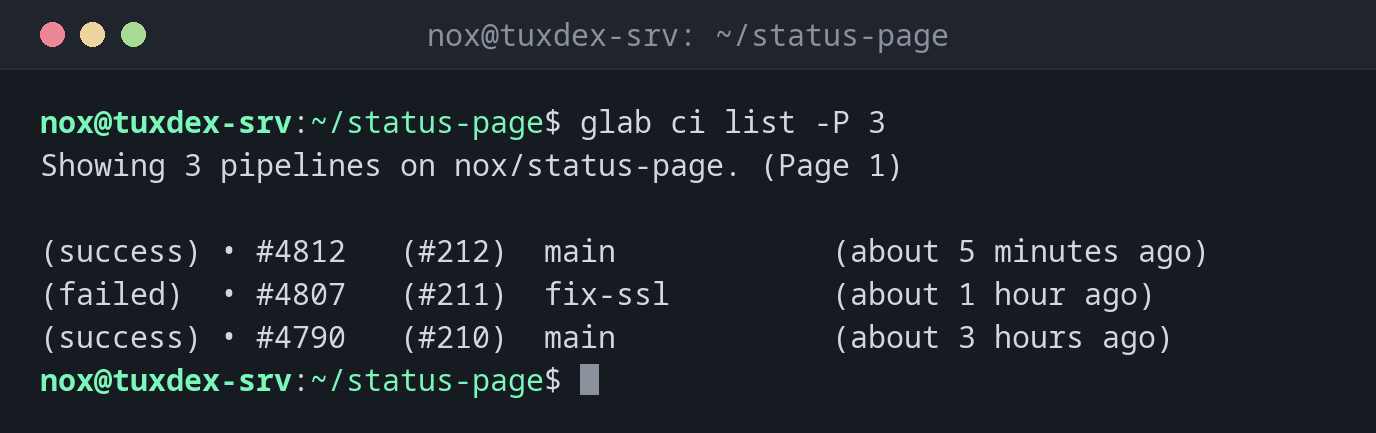
glab ci list -P 3
Showing 3 pipelines on nox/status-page. (Page 1)

(success) • #4812   (#212)  main            (about 5 minutes ago)
(failed)  • #4807   (#211)  fix-ssl         (about 1 hour ago)
(success) • #4790   (#210)  main            (about 3 hours ago)
The pipeline of the current branch:
glab ci status
(success) • 00m 41s  lint    lint
(success) • 01m 12s  build    build

https://gitlab.example.com/nox/status-page/-/pipelines/4812
SHA: 7f4bd5664044fdb7d0b2b8e97c16e5e42658a789
Pipeline state: success
Check the CI file before pushing:
glab ci lint
Validating...
✓ CI/CD YAML is valid!
Follow the log of a job:
glab ci trace lint
Getting job trace...
Showing logs for lint job #18342
Running with gitlab-runner 19.5.1 (f411f264)
  on tuxdex-srv t3_Xq7mP2, system ID: s_4c1e9a2b7d3f
Preparing the "docker" executor
Using Docker executor with image debian:trixie ...
...
$ shellcheck scripts/*.sh
Cleaning up project directory and file based variables
Job succeeded
When do I need it?
- Right after a push, to follow the pipeline
- To read the log of a failed job in the terminal
- To check
.gitlab-ci.ymlbefore pushing it
lint knows your includes
glab ci lint checks the file on the server, including include: templates and the
variables of the project. That finds more than a pure YAML check.
Distribution differences
| Debian | Ubuntu | RHEL | Arch | |
|---|---|---|---|---|
| Install | sudo apt install glab |
sudo apt install glab |
.rpm from the glab releases |
sudo pacman -S glab |