git config
Reads and sets Git settings, above all your name and email address for commits.
Syntax
git config [--global | --system | --local] NAME [VALUE]
Options
| Option | Description |
|---|---|
--global |
Setting for your user, stored in ~/.gitconfig |
--system |
Setting for all users, stored in /etc/gitconfig |
--local |
Setting for the current repository only, stored in .git/config (default when writing) |
--list, -l |
Show all settings |
--show-origin |
Show the file each setting comes from |
--get NAME |
Show a single setting (same as git config NAME) |
--unset NAME |
Remove a setting |
--edit, -e |
Open the configuration file in the editor |
Examples
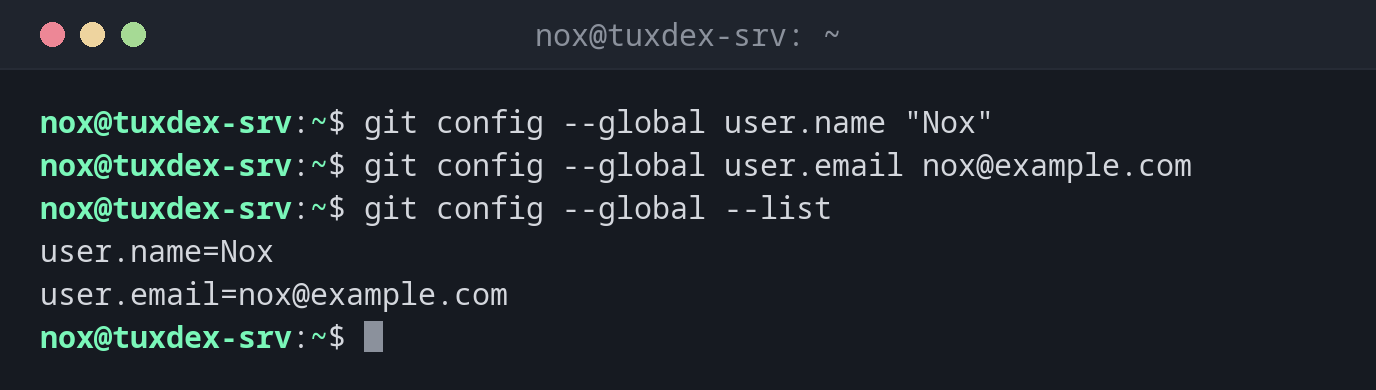
Set your name and email address:
git config --global user.name "Nox"
git config --global user.email nox@example.com
git config --global --list
user.name=Nox
user.email=nox@example.com
See where each setting comes from:
git config --list --show-origin
file:/home/nox/.gitconfig     user.name=Nox
file:/home/nox/.gitconfig     user.email=nox@example.com
file:/home/nox/.gitconfig     init.defaultbranch=main
file:/home/nox/.gitconfig     core.editor=vim
file:.git/config              core.repositoryformatversion=0
file:.git/config              remote.origin.url=git@git.example.com:nox/scripts.git
Use a different address in one repository:
git config user.email ops@example.com
git config user.email
ops@example.com
Without --global, the setting only applies to the current repository and overrides the global one there.
Define a shortcut for a compact history:
git config --global alias.lg "log --oneline --graph --all"
git lg -3
* fcdca2b (HEAD -> main, origin/main) Add service check
* 5f9cfee Check /var too
* 6e6f0af Show filesystem type
What happens without a name and address:
git commit -m "Add backup script"
Author identity unknown

*** Please tell me who you are.

Run

  git config --global user.email "you@example.com"
  git config --global user.name "Your Name"

to set your account's default identity.
Omit --global to set the identity only in this repository.

fatal: unable to auto-detect email address (got 'nox@tuxdex-srv.(none)')
When do I need it?
- Once on every new server or account, before the first commit
- To use a different email address in a single repository
- To choose the editor for commit messages and define shortcuts (aliases)
Choose your editor
Without a setting, Git opens the editor from $EDITOR, often vi. If you prefer nano:
git config --global core.editor nano.