createuser
Creates a new PostgreSQL role (user), optionally with a password and rights to create databases.
Syntax
createuser [-P] [-d] [-r] [-s] [-e] ROLE
Options
| Option | Description |
|---|---|
-P, --pwprompt |
Ask for a password for the new role |
-d |
The role may create databases |
-r |
The role may create other roles |
-s |
Superuser: may do everything |
-e |
Show the SQL that is sent to the server |
--interactive |
Ask for the rights instead of taking defaults |
createuser is a wrapper for CREATE ROLE … LOGIN. Run it as the Linux user postgres: sudo -u postgres createuser …. Delete roles with dropuser.
Examples
A role with a password for an application:
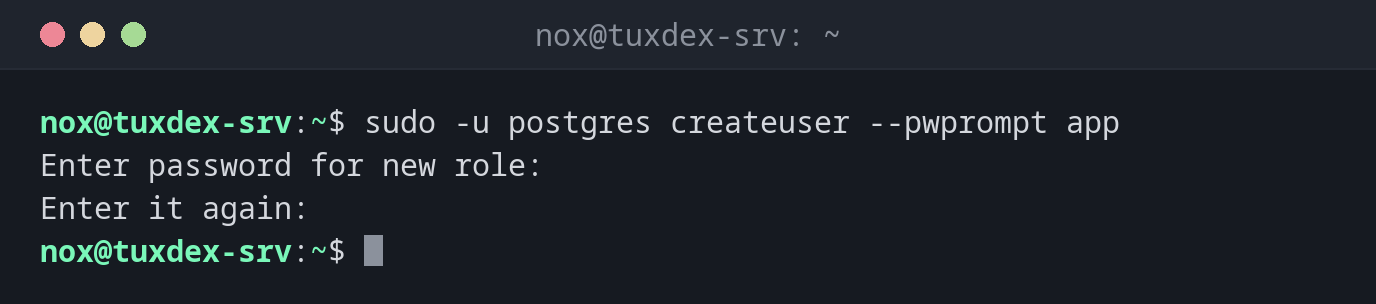
sudo -u postgres createuser --pwprompt app
Enter password for new role:
Enter it again:
Show what is sent to the server:
sudo -u postgres createuser -e nox
SELECT pg_catalog.set_config('search_path', '', false);
CREATE ROLE nox NOSUPERUSER NOCREATEDB NOCREATEROLE INHERIT LOGIN NOREPLICATION NOBYPASSRLS;
Without options the role may log in, but not create databases or roles.
A role that may create databases:
sudo -u postgres createuser -d -P shopadmin
Enter password for new role:
Enter it again:
The role already exists:
sudo -u postgres createuser app
createuser: error: creation of new role failed: ERROR: role "app" already exists
To set a new password for an existing role: sudo -u postgres psql -c '\password app'.
Check the result:
sudo -u postgres psql -c '\du'
                             List of roles
 Role name |                         Attributes
-----------+------------------------------------------------------------
 app       |
 nox       |
 postgres  | Superuser, Create role, Create DB, Replication, Bypass RLS
 shopadmin | Create DB
When do I need it?
- For every new application that gets its own database
- To give a colleague a personal login, matching their Linux user name for
peer
A role per Linux user
A role with the same name as a Linux user (sudo -u postgres createuser nox) can log in
locally without a password. nox then simply types psql -d shop.
No superuser for applications
An application with -s can read every database, delete everything and run programs on
the server through COPY … PROGRAM. Applications get a normal role that owns its own
database.
Distribution differences
| Debian | Ubuntu | RHEL | Arch | |
|---|---|---|---|---|
| Package | postgresql-client |
postgresql-client |
postgresql |
postgresql-libs |
Related commands
createdb · psql · pg_isready · useradd