unzip
Lists, tests and extracts ZIP archives.
Syntax
unzip [OPTION]... ARCHIVE [FILE]...
Options
| Option | Description |
|---|---|
-l |
List the content |
-t |
Test the archive for errors |
-d DIR |
Extract into this directory |
-o |
Overwrite existing files without asking |
-n |
Never overwrite existing files |
-q |
Quiet |
Examples
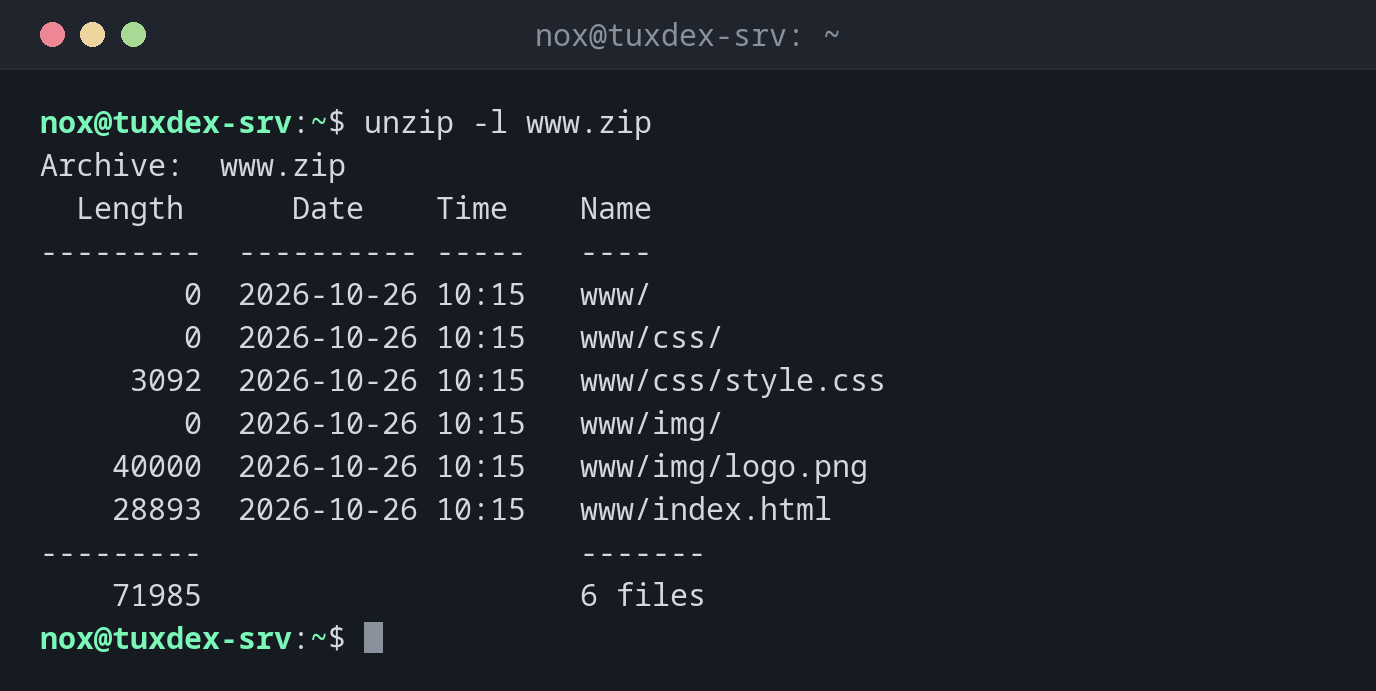
Show the content:
unzip -l www.zip
Archive:  www.zip
  Length      Date    Time    Name
---------  ---------- -----   ----
        0  2026-10-26 10:15   www/
        0  2026-10-26 10:15   www/css/
     3092  2026-10-26 10:15   www/css/style.css
        0  2026-10-26 10:15   www/img/
    40000  2026-10-26 10:15   www/img/logo.png
    28893  2026-10-26 10:15   www/index.html
---------                     -------
    71985                     6 files
Extract into a directory:
unzip www.zip -d /tmp/restore
Archive:  www.zip
   creating: /tmp/restore/www/
   creating: /tmp/restore/www/css/
  inflating: /tmp/restore/www/css/style.css
   creating: /tmp/restore/www/img/
  inflating: /tmp/restore/www/img/logo.png
  inflating: /tmp/restore/www/index.html
Test the archive:
unzip -t www.zip
Archive:  www.zip
    testing: www/                     OK
    testing: www/css/                 OK
    testing: www/css/style.css        OK
    testing: www/img/                 OK
    testing: www/img/logo.png         OK
    testing: www/index.html           OK
No errors detected in compressed data of www.zip.
When do I need it?
- To unpack files that customers or colleagues send as ZIP
- To check an archive before extracting it
- For software and plugins that are distributed as ZIP, e.g. for web applications
Look inside first
ZIP archives from Windows often don't have a top directory and spread their files into
the current directory. Check with unzip -l and use -d.
Not always installed
If the command is missing, install the package unzip with the package manager of your
distribution.
Overwrite prompts
Without -o or -n, unzip asks for every existing file: replace index.html? [y]es,
[n]o, [A]ll, [N]one, [r]ename. In scripts, decide in advance with -o or -n.