git push
Sends your local commits to the server.
Syntax
git push [-u] [REMOTE [BRANCH]]
Options
| Option | Description |
|---|---|
-u, --set-upstream |
Remember the server branch, so that later a plain git push and git pull are enough |
--follow-tags |
Also send annotated tags that belong to the pushed commits |
--tags |
Send all tags |
-d, --delete BRANCH |
Delete a branch on the server |
--force-with-lease |
Overwrite the server branch, but only if nobody else pushed in the meantime |
-n, --dry-run |
Only show what would be sent |
Examples
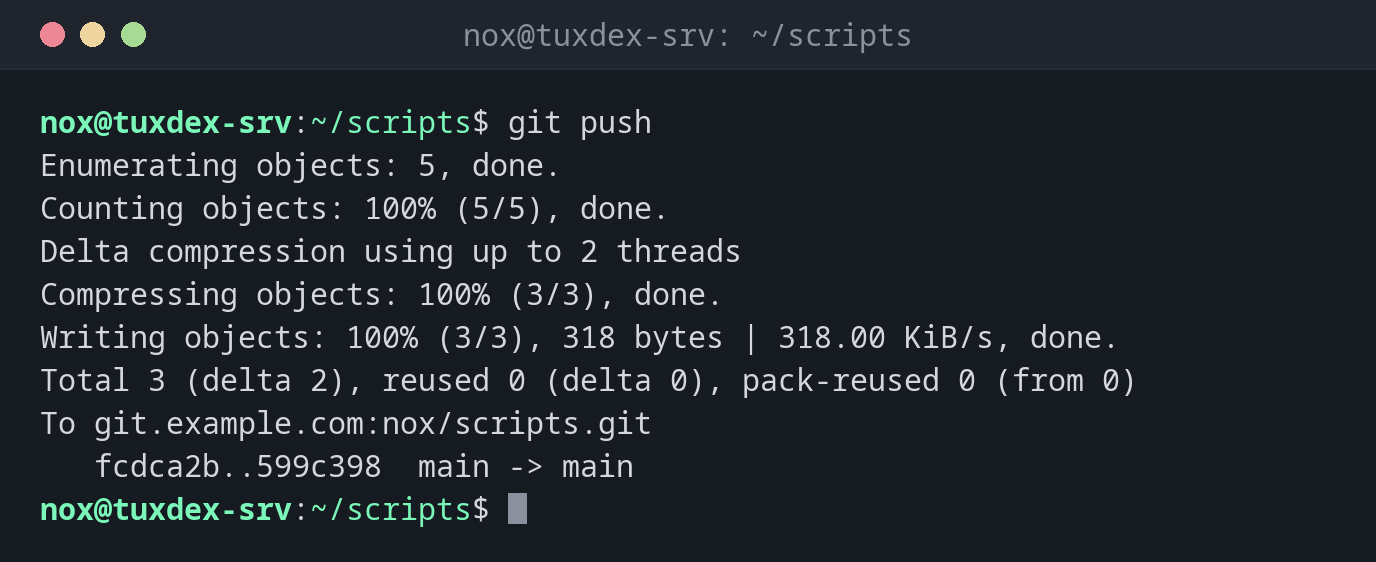
Send new commits to the server:
git push
Enumerating objects: 5, done.
Counting objects: 100% (5/5), done.
Delta compression using up to 2 threads
Compressing objects: 100% (3/3), done.
Writing objects: 100% (3/3), 318 bytes | 318.00 KiB/s, done.
Total 3 (delta 2), reused 0 (delta 0), pack-reused 0 (from 0)
To git.example.com:nox/scripts.git
   fcdca2b..599c398  main -> main
Publish a new branch:
git push -u origin nginx-tls
Enumerating objects: 4, done.
Counting objects: 100% (4/4), done.
Delta compression using up to 2 threads
Compressing objects: 100% (2/2), done.
Writing objects: 100% (3/3), 297 bytes | 297.00 KiB/s, done.
Total 3 (delta 1), reused 0 (delta 0), pack-reused 0 (from 0)
remote:
remote: To create a merge request for nginx-tls, visit:
remote:   https://git.example.com/nox/scripts/-/merge_requests/new?merge_request%5Bsource_branch%5D=nginx-tls
remote:
To git.example.com:nox/scripts.git
 * [new branch]      nginx-tls -> nginx-tls
branch 'nginx-tls' set up to track 'origin/nginx-tls'.
The remote: lines come from the server, here a GitLab instance.
The server has newer commits:
git push
To git.example.com:nox/scripts.git
 ! [rejected]        main -> main (fetch first)
error: failed to push some refs to 'git.example.com:nox/scripts.git'
hint: Updates were rejected because the remote contains work that you do not
hint: have locally. This is usually caused by another repository pushing to
hint: the same ref. If you want to integrate the remote changes, use
hint: 'git pull' before pushing again.
hint: See the 'Note about fast-forwards' in 'git push --help' for details.
Delete a branch on the server:
git push origin --delete nginx-tls
To git.example.com:nox/scripts.git
 - [deleted]         nginx-tls
When do I need it?
- After committing, so that the changes are safe on the server and others can get them
- To publish a new branch, for example for a merge request
- To clean up branches on the server that are no longer needed
Rejected? Pull first
If the server has commits you don't have yet, Git refuses the push. Run git pull
(or git pull --rebase) and push again.
Don't use --force
git push --force overwrites the branch on the server and deletes commits that others
pushed. If you really have to overwrite, use --force-with-lease: it refuses if the
server has changed since your last fetch.
Related commands
git pull · git remote · git commit · git tag