apt
The package manager of Debian and Ubuntu: installs, updates and removes software from the repositories and resolves dependencies automatically.
Syntax
apt [OPTION]... COMMAND [PACKAGE]...
Options
| Command | Description |
|---|---|
update |
Download the current package lists from the repositories |
upgrade |
Install all available updates |
full-upgrade |
Like upgrade, but also removes packages if an update requires it |
install PACKAGE |
Install a package with its dependencies |
remove PACKAGE |
Remove a package, keep its configuration files |
purge PACKAGE |
Remove a package together with its configuration files |
autoremove |
Remove dependencies that nothing needs anymore |
search WORD |
Search names and descriptions |
show PACKAGE |
Show details: version, size, dependencies, description |
list --upgradable |
List the packages that have an update |
-y |
Answer yes to all questions, for scripts |
Examples
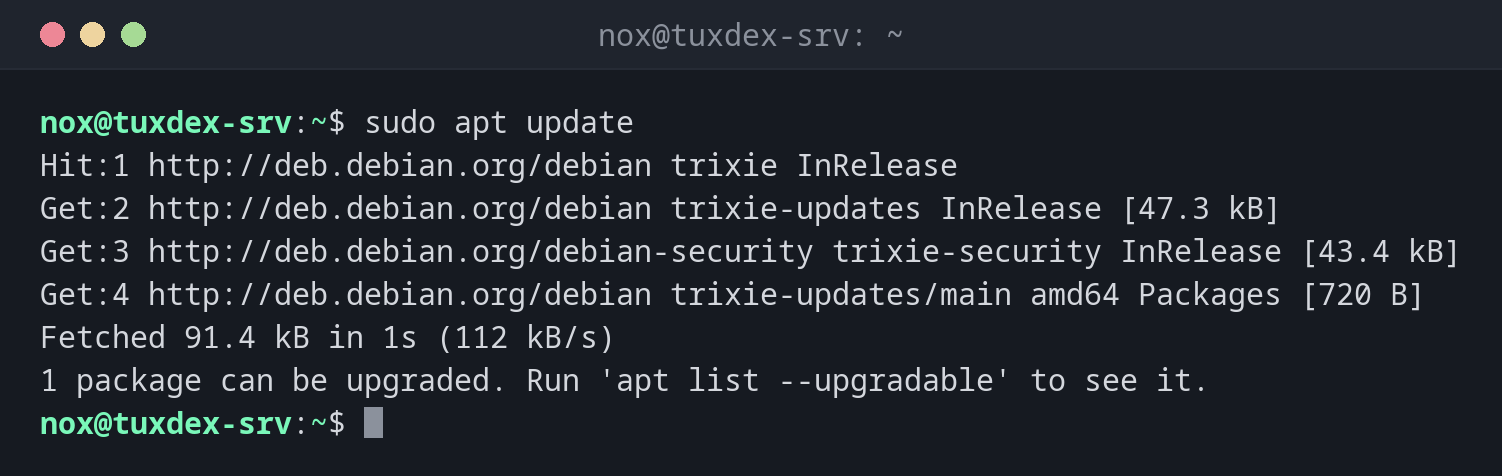
Refresh the package lists:
sudo apt update
Hit:1 http://deb.debian.org/debian trixie InRelease
Get:2 http://deb.debian.org/debian trixie-updates InRelease [47.3 kB]
Get:3 http://deb.debian.org/debian-security trixie-security InRelease [43.4 kB]
Get:4 http://deb.debian.org/debian trixie-updates/main amd64 Packages [720 B]
Fetched 91.4 kB in 1s (112 kB/s)
1 package can be upgraded. Run 'apt list --upgradable' to see it.
update changes nothing on the system. It only fetches the lists of what is available.
Show which packages have an update:
apt list --upgradable
Listing... Done
tzdata/stable-updates 2026e-0+deb13u1 all [upgradable from: 2026c-0+deb13u1]
Install all updates:
sudo apt upgrade
Upgrading:
  tzdata

Summary:
  Upgrading: 1, Installing: 0, Removing: 0, Not Upgrading: 0
  Download size: 266 kB
  Space needed: 1024 B / 18.4 GB available

Continue? [Y/n] y
Get:1 http://deb.debian.org/debian trixie-updates/main amd64 tzdata all 2026e-0+deb13u1 [266 kB]
Fetched 266 kB in 0s (5306 kB/s)
Preparing to unpack .../tzdata_2026e-0+deb13u1_all.deb ...
Unpacking tzdata (2026e-0+deb13u1) over (2026c-0+deb13u1) ...
Setting up tzdata (2026e-0+deb13u1) ...
Install a package:
sudo apt install htop
Installing:
  htop

Installing dependencies:
  libgpm2  libncursesw6

Suggested packages:
  lm-sensors  lsof  strace  gpm

Summary:
  Upgrading: 0, Installing: 3, Removing: 0, Not Upgrading: 0
  Download size: 321 kB
  Space needed: 909 kB / 18.4 GB available

Continue? [Y/n] y
Get:1 http://deb.debian.org/debian trixie/main amd64 libncursesw6 amd64 6.5+20250216-2 [135 kB]
Get:2 http://deb.debian.org/debian trixie/main amd64 htop amd64 3.4.1-5 [171 kB]
Get:3 http://deb.debian.org/debian trixie/main amd64 libgpm2 amd64 1.20.7-11+b2 [14.4 kB]
Fetched 321 kB in 0s (4825 kB/s)
Setting up libgpm2:amd64 (1.20.7-11+b2) ...
Setting up libncursesw6:amd64 (6.5+20250216-2) ...
Setting up htop (3.4.1-5) ...
apt lists what it will do and asks first. Suggested packages are not installed, they
are only hints.
Show details of a package:
apt show htop
Package: htop
Version: 3.4.1-5
Priority: optional
Section: utils
Maintainer: Daniel Lange <DLange@debian.org>
Installed-Size: 434 kB
Depends: libc6 (>= 2.38), libncursesw6 (>= 6), libtinfo6 (>= 6)
Suggests: lm-sensors, lsof, strace
Homepage: https://htop.dev/
Download-Size: 171 kB
APT-Manual-Installed: yes
APT-Sources: http://deb.debian.org/debian trixie/main amd64 Packages
Description: interactive processes viewer
Remove a package and the dependencies that are no longer needed:
sudo apt remove htop
sudo apt autoremove
REMOVING:
  htop

Summary:
  Upgrading: 0, Installing: 0, Removing: 1, Not Upgrading: 0
  Freed space: 434 kB

Continue? [Y/n] y
Removing htop (3.4.1-5) ...

REMOVING:
  libgpm2  libncursesw6

Summary:
  Upgrading: 0, Installing: 0, Removing: 2, Not Upgrading: 0
  Freed space: 475 kB

Continue? [Y/n] y
Removing libgpm2:amd64 (1.20.7-11+b2) ...
Removing libncursesw6:amd64 (6.5+20250216-2) ...
When do I need it?
- Regularly:
apt updateandapt upgradekeep the server secure - To install software for a new task, such as a web server or a database
- To clean up packages that you no longer need
Always update first
apt install and apt upgrade only know what the last apt update downloaded.
Run sudo apt update first, otherwise you may install outdated versions or get
404 Not Found errors.
apt or apt-get?
apt is meant for working interactively, with a clearer output. In scripts, use
apt-get: its output stays stable between versions, and apt warns about this
itself when its output is redirected.
Read before you confirm
Look at the REMOVING list before you answer y. If an install or update wants to
remove packages you need, cancel with n and find out why.
Distribution differences
| Debian | Ubuntu | RHEL | Arch | |
|---|---|---|---|---|
| Available | yes | yes | no, use dnf |
no, use pacman |
| Repository configuration | /etc/apt/sources.list.d/debian.sources |
/etc/apt/sources.list.d/ubuntu.sources (since 24.04) |
not applicable | not applicable |
Related commands
systemctl · htop · apt-cache · dpkg · apt-mark · dnf · pacman · unattended-upgrade