firewall-cmd
The command line tool of firewalld, the firewall of RHEL, Rocky Linux and AlmaLinux: opens services and ports in zones, temporarily or permanently.
Syntax
firewall-cmd [OPTION]...
firewalld distinguishes two configurations: the runtime configuration is active now and lost at the next reload; the permanent configuration is saved and loaded at boot.
Options
| Option | Description |
|---|---|
--state |
Is firewalld running? |
--list-all |
Everything in the default zone: interfaces, services, ports, rules |
--add-service=NAME |
Allow a predefined service like http or ssh |
--add-port=PORT/PROTO |
Allow a port |
--remove-service, --remove-port |
Remove it again |
--add-rich-rule='…' |
Detailed rule, e.g. only from a certain network |
--permanent |
Change the saved configuration instead of the running one |
--reload |
Load the permanent configuration |
--get-services |
List all predefined services |
Examples
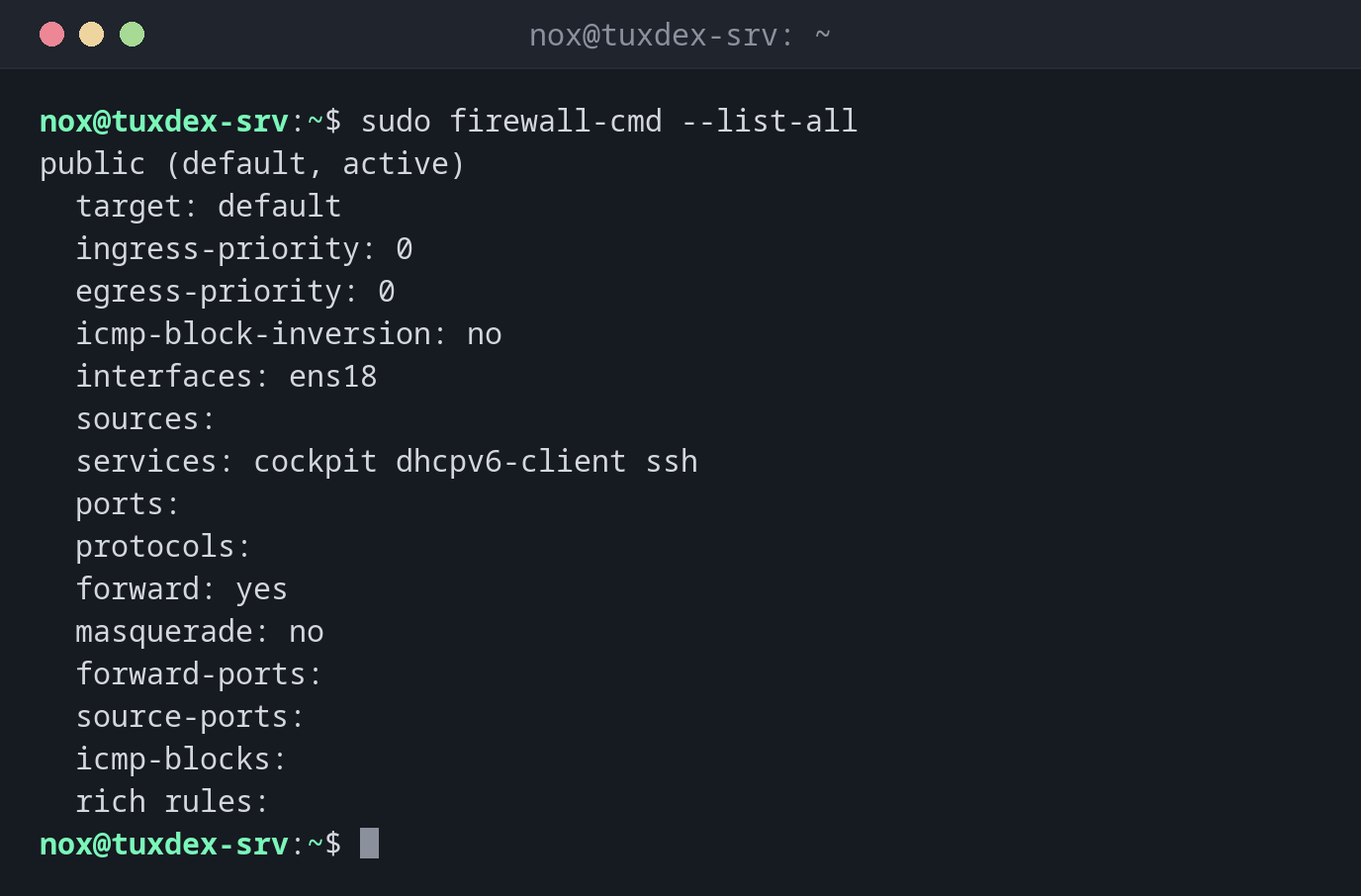
Show the active zone and what it allows:
sudo firewall-cmd --list-all
public (default, active)
  target: default
  ingress-priority: 0
  egress-priority: 0
  icmp-block-inversion: no
  interfaces: ens18
  sources:
  services: cockpit dhcpv6-client ssh
  ports:
  protocols:
  forward: yes
  masquerade: no
  forward-ports:
  source-ports:
  icmp-blocks:
  rich rules:
On a fresh RHEL server, only ssh, cockpit and dhcpv6-client are allowed.
Open HTTP and HTTPS permanently:
sudo firewall-cmd --permanent --add-service=http --add-service=https
sudo firewall-cmd --reload
success
success
Each command answers success. Without --reload, the permanent change wouldn't be
active yet.
Open a port for testing, only until the next reload:
sudo firewall-cmd --add-port=8080/tcp
success
Allow the database only from the own network:
sudo firewall-cmd --permanent --add-rich-rule='rule family="ipv4" source address="192.0.2.0/24" port port="5432" protocol="tcp" accept'
success
Check the result:
sudo firewall-cmd --reload
sudo firewall-cmd --list-all
success
public (default, active)
  target: default
  ingress-priority: 0
  egress-priority: 0
  icmp-block-inversion: no
  interfaces: ens18
  sources:
  services: cockpit dhcpv6-client http https ssh
  ports:
  protocols:
  forward: yes
  masquerade: no
  forward-ports:
  source-ports:
  icmp-blocks:
  rich rules:
        rule family="ipv4" source address="192.0.2.0/24" port port="5432" protocol="tcp" accept
Port 8080/tcp is gone: it was only added to the runtime configuration and the reload
discarded it. The rich rule stays, because it was saved with --permanent.
When do I need it?
- On RHEL, Rocky and Alma, after installing a service: the port is closed by default
- To allow a port only from certain networks
- When a service runs but can't be reached from outside
Test first, then save
Add a rule without --permanent and test it. If everything works,
sudo firewall-cmd --runtime-to-permanent saves the running configuration.
Forgotten --permanent
Rules without --permanent are gone after a reload or reboot. If a port is suddenly
closed again after a reboot, this is almost always the reason.
Distribution differences
| Debian | Ubuntu | RHEL | Arch | |
|---|---|---|---|---|
| Firewall tool | ufw or nft |
ufw |
firewall-cmd, active by default |
ufw, nft or firewalld |