docker network
Manages the networks through which containers reach each other and the outside world.
Syntax
docker network create | ls | inspect | connect | disconnect | rm NAME
Options
| Option | Description |
|---|---|
ls |
List all networks |
create NAME |
Create a network (driver bridge by default) |
--subnet CIDR |
With create: choose the address range yourself |
inspect NAME |
Details, including the connected containers and their addresses |
connect NETWORK CONTAINER |
Connect a running container to a network |
disconnect NETWORK CONTAINER |
Disconnect it again |
rm NAME |
Delete a network without containers |
Examples
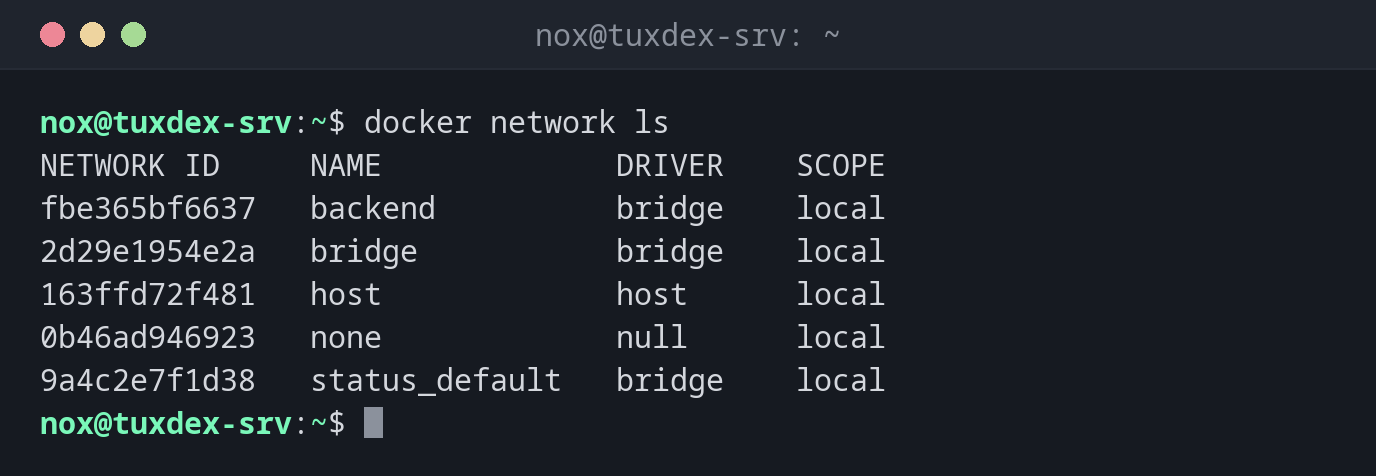
List the networks:
docker network ls
NETWORK ID     NAME             DRIVER    SCOPE
fbe365bf6637   backend          bridge    local
2d29e1954e2a   bridge           bridge    local
163ffd72f481   host             host      local
0b46ad946923   none             null      local
9a4c2e7f1d38   status_default   bridge    local
Create a network and connect two containers:
docker network create backend
docker network connect backend db
docker network connect backend web
fbe365bf663770cd04d43339a0289899c0d4fbd4e9a589ab0beed205d20152cf
Reach the other container by name:
docker exec web getent hosts db
172.19.0.2 db
Which containers are in a network:
docker network inspect backend -f "{{range .Containers}}{{.Name}} {{.IPv4Address}} {{end}}"
db 172.19.0.2/16 web 172.19.0.3/16
When do I need it?
- So that containers like a web app and its database reach each other by name
- To separate groups of containers from each other
- When Docker's address ranges collide with a network in your company
Names instead of IP addresses
In a network you created yourself (and in every Compose project), containers reach each
other by name: the web app connects to db:5432. In the default network bridge, this
doesn't work.
Address conflicts
Docker uses ranges from 172.17.0.0/16 upwards. If your company or VPN uses the same
range, routes collide. Set other ranges in /etc/docker/daemon.json under
default-address-pools.