nmcli
The command line tool of NetworkManager, which manages the network on RHEL, Rocky Linux and AlmaLinux: shows interfaces and connections and changes addresses, gateway and DNS permanently.
Syntax
nmcli [OPTION]... OBJECT [COMMAND] [ARGUMENT]...
On RHEL, the settings are saved in /etc/NetworkManager/system-connections/ and survive a reboot.
Options
| Command | Description |
|---|---|
general |
Overall state and connectivity |
device status |
Interfaces and their state |
connection show |
All saved connections (profiles) |
device show DEV |
Addresses, gateway, routes and DNS of an interface |
connection modify NAME SETTING VALUE |
Change a setting of a connection permanently |
connection up NAME, down NAME |
Activate or deactivate a connection |
connection reload |
Read changed configuration files again |
-f FIELDS |
Only show these fields, e.g. -f IP4 |
Examples
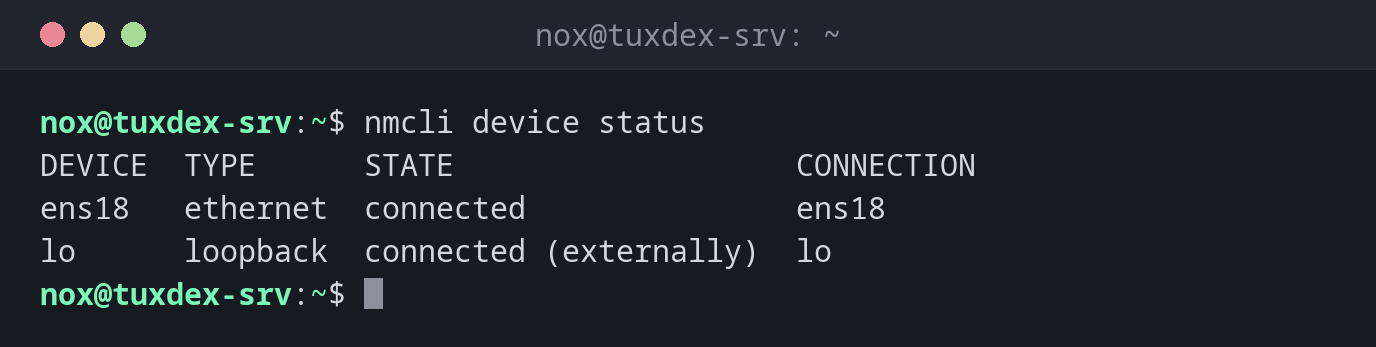
Show the interfaces and their state:
nmcli device status
DEVICE  TYPE      STATE                   CONNECTION
ens18   ethernet  connected               ens18
lo      loopback  connected (externally)  lo
Show the saved connections:
nmcli connection show
NAME   UUID                                  TYPE      DEVICE
ens18  5fb06bd0-0bb0-7ffb-45f1-d6edd65f3e03  ethernet  ens18
lo     9c2d7e41-4a10-4f6b-b8a3-2e61c0d7f5a9  loopback  lo
A connection is a profile with all settings. It is called ens18 here, like the
interface, but the names can differ.
Show address, gateway and DNS of an interface:
nmcli -f IP4 device show ens18
IP4.ADDRESS[1]:                         192.0.2.10/24
IP4.GATEWAY:                            192.0.2.1
IP4.ROUTE[1]:                           dst = 192.0.2.0/24, nh = 0.0.0.0, mt = 100
IP4.ROUTE[2]:                           dst = 0.0.0.0/0, nh = 192.0.2.1, mt = 100
IP4.DNS[1]:                             192.0.2.53
IP4.DNS[2]:                             198.51.100.53
Set a static address and activate it:
sudo nmcli connection modify ens18 ipv4.method manual ipv4.addresses 192.0.2.10/24 ipv4.gateway 192.0.2.1 ipv4.dns "192.0.2.53 198.51.100.53"
sudo nmcli connection up ens18
Connection successfully activated (D-Bus active path: /org/freedesktop/NetworkManager/ActiveConnection/3)
modify only saves the settings. They take effect with connection up.
Check the overall state:
nmcli general
STATE      CONNECTIVITY  WIFI-HW  WIFI     WWAN-HW  WWAN
connected  full          missing  enabled  missing  enabled
CONNECTIVITY full means: NetworkManager can reach the internet.
When do I need it?
- On RHEL, Rocky and Alma to set a static IP address, the gateway or DNS servers
- To find out which DNS servers an interface really uses
- To check whether NetworkManager considers the network as connected
Tab completion
nmcli has very good tab completion: Tab after nmcli connection modify ens18 ipv4.
lists all available settings.
Test remote changes carefully
connection up with a wrong address or gateway ends your SSH session. Keep the
hosting console ready, or change the address in two steps: first add the new one,
then remove the old one.
Distribution differences
| Debian | Ubuntu | RHEL | Arch | |
|---|---|---|---|---|
| NetworkManager used on servers | no, ifupdown | no, netplan with systemd-networkd | yes | optional |
Related commands
ip · netplan · ifup · resolvectl